 rRadio
Be your own
radio station.
rRadio turns your home server into a radio for the whole home: music all night, news on the hour, and new podcast episodes and voice messages from the family cut in the moment they arrive. Then the music carries on.
The server is free and open source. The app is the remote and the speaker for it.
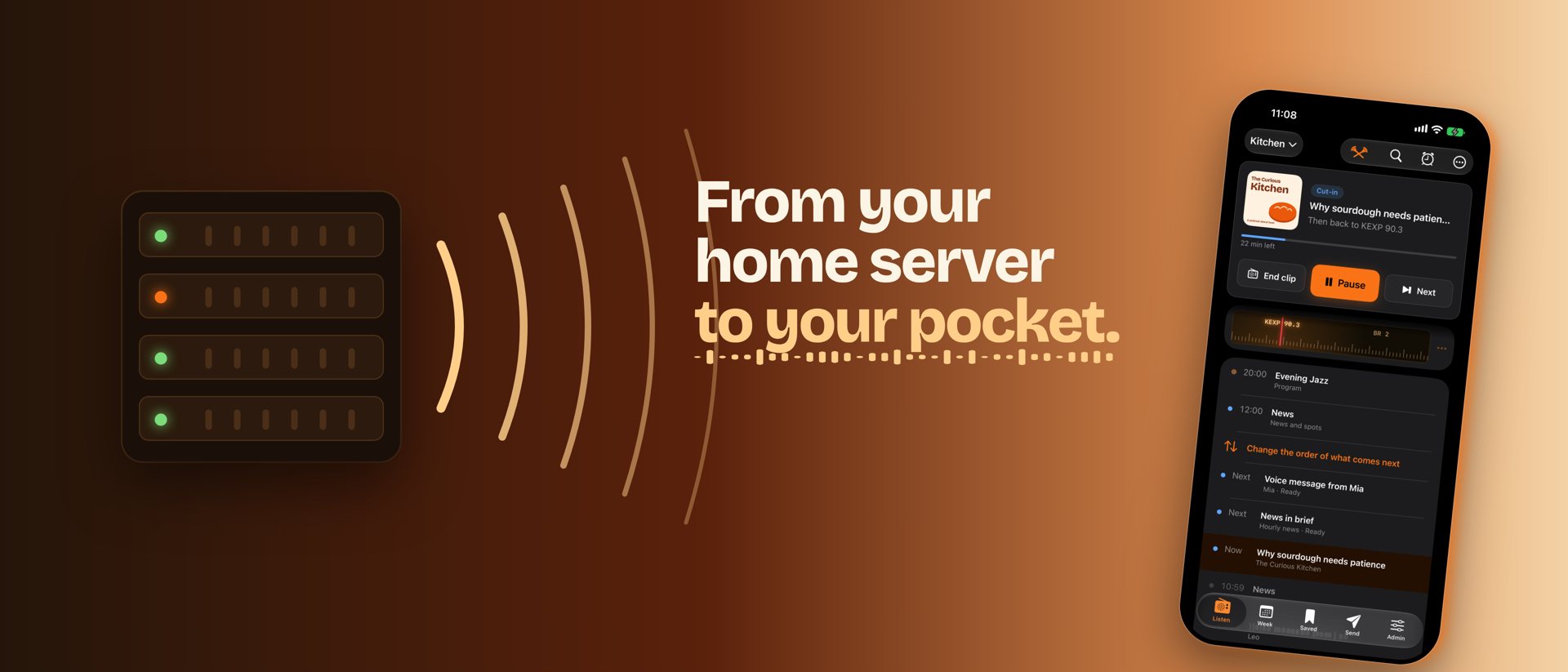
A real radio, made of your things.
Pick a station or your own music library. rRadio plays it and cuts in whatever you follow, in the order it arrived, with a fade back to the music.
Your radio
- Live radio from your own server, at home and on the go
- New episodes and hourly news cut in as they appear
- Today's timeline: what played, what's next, listen again
- A channel for everyone at home
Every day
- Sleep to music, wake up to news
- Send a link from any app and it plays next
- Voice messages to someone's channel
- Save episodes and listen offline
- Widgets, lock screen and a Live Activity
Private by design
- The app only talks to your own server
- No account with us, no tracking, no ads
- Voice messages and history stay at home
- Pair a phone by scanning a QR code


Runs at home, in a few minutes.
The rRadio server is free and open source (MIT). It runs with Docker Compose on any home server, NAS or Raspberry Pi, and streams to the app, VLC, smart speakers and anything else that plays internet radio.
git clone https://github.com/maxASE/rRadio.git
cd rRadio
cp .env.example .env   # set your passwords
docker compose up -d
Then open the web interface on port 8080, add your stations and podcasts, and scan the pairing QR code with the app. The full guide is in the README.

- Several channels, each with its own stream (MP3, AAC, Opus)
- Cut-ins with fades, queued in the order they arrived
- Scheduled programs, hourly news, jingles and your own spots
- Light: three small containers, about 120 MB of RAM